Dazazza's Avatar
Dazazza Supporter
1 month ago

plant height

Hey Jammie

im going trough my seed collection and adding the max plant height into the description..

when selecting the variety it would help to know height, say 180cm vers 60cm plant

Dwarf Tomato - Green Bi 100cm / Peppermint Stripes

Inter Tomato - Red 180cm / Black Zebra Cherry

the height is in to info but cannot be used bar going into the plant info, not scrolling down the list ???

40
Jamie's Avatar
Jamie Founder
1 month ago

Yeah I can see why that would be a pain. There's a few cases like this where I tried to make it more mobile friendly but then you don't really get a good overview of data. It seems to me like it would be a good idea to give you the option to enable fields in the list view.

By default you'd see a smaller subset of (useful) information. But then give you the option to permanently enable things like height so you can see them all at a glance.

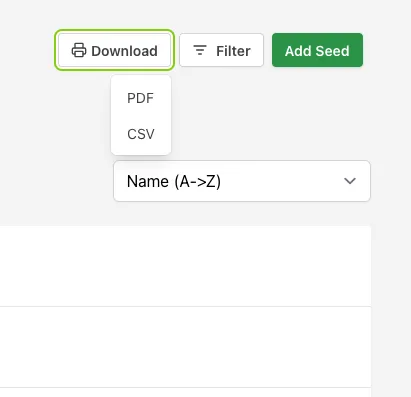
I'll add this to the list of improvements I want to make. In the meantime, you can always download your seed list as a CSV which gives you the whole overview of your data until I can get it into the interface :). You can open that with Excel, Google Sheets or some other program as its quite a common format.

0
Jamie's Avatar
Jamie Founder
1 month ago

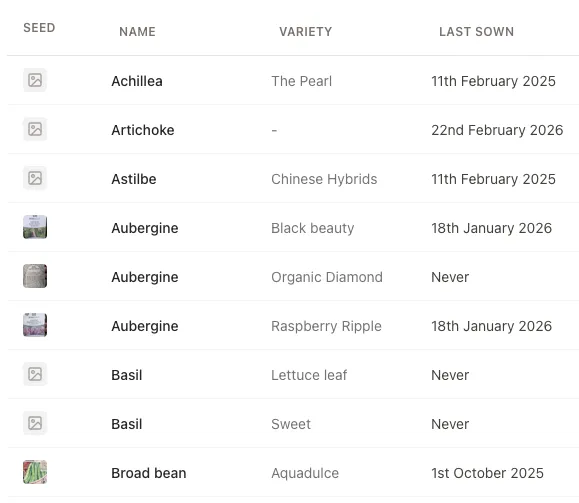
Just wanted to share an update that you can now customise the seed list view a little bit, so you're able to get the height in the list view as needed.

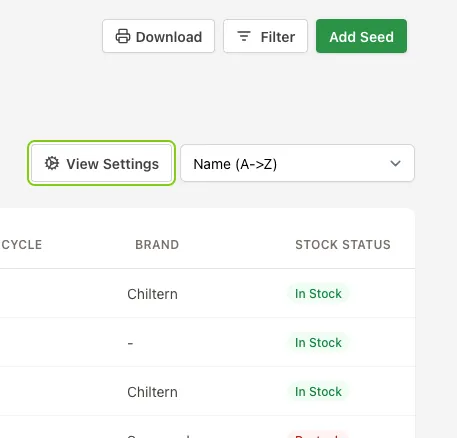
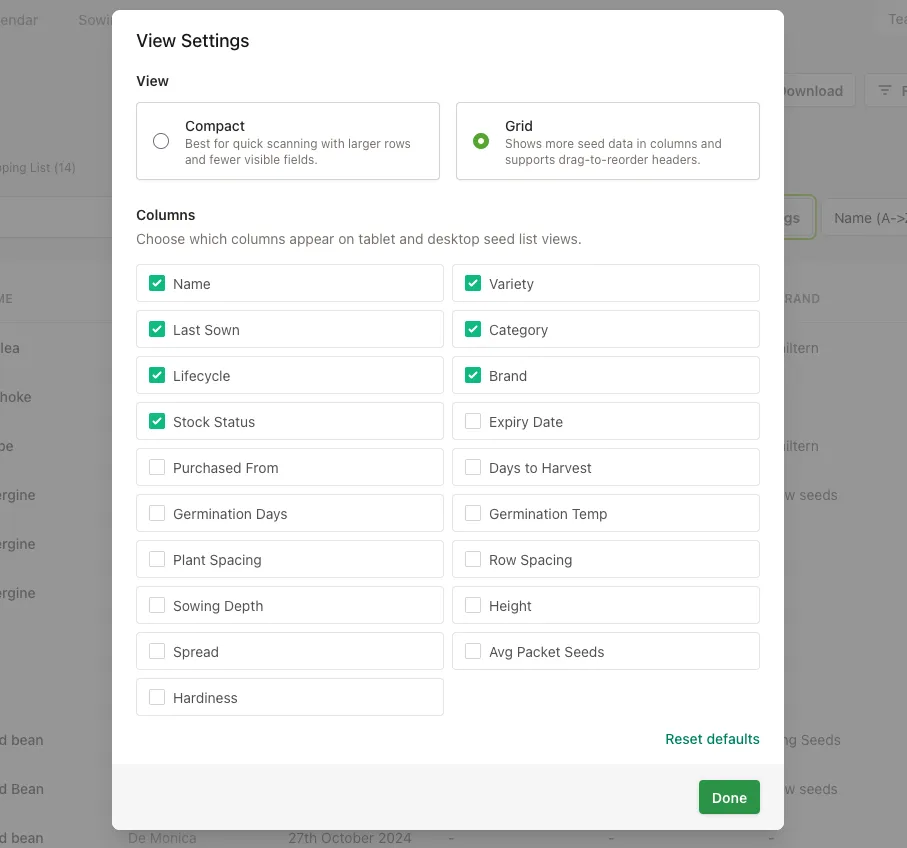
When on a desktop or tablet, if you click the "View Settings" button, you can change between compact and grid mode to view the seed list. When in grid mode, you can choose which columns you'd like to display. Then from the grid itself, you can click and drag on a table header to reorder (on a tablet you'll need to press and hold on the header before dragging).

Hope that helps!

0
Dazazza's Avatar
Dazazza Supporter
1 month ago

Mate.. thats sooooo much betterer.. lol

Getting that function will help others love it

1
Login or Register to join the converastion.